WellThot Jots
Write it down while they're still talking.
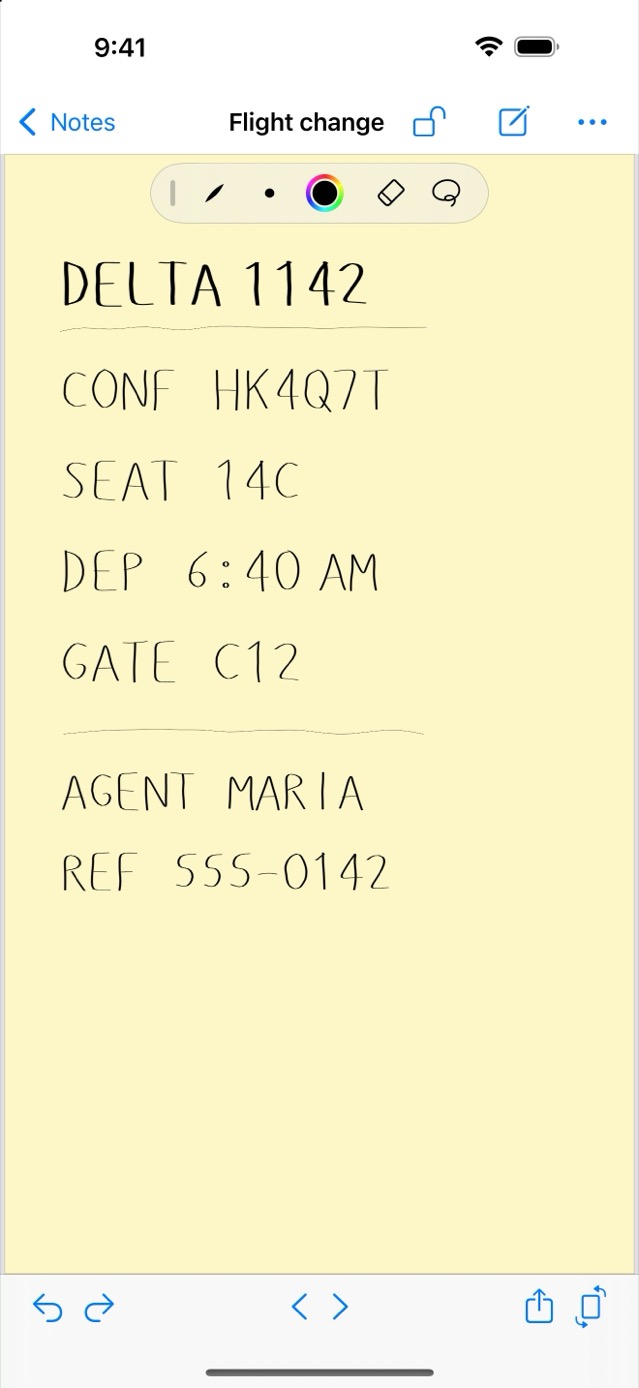
A phone number. A confirmation code. The run of menu options that finally got you through to a human. Jots opens straight onto a blank Jot — your finger beats the keyboard, and you never lose the thread of the conversation.
It's the end of the little pieces of paper, too: the sticky note on the monitor, the back of an envelope, the receipt with a number on it. In Jots it lands in a notebook that syncs privately to your own iCloud. No account required.
Coming soon to the App Store
What it does
Ready the instant you are
Jots opens on the Jot you last wrote on — no app to choose, no field to tap. Touch and hold the app icon for a new Jot straight from the Home Screen.
Numbers and names
Phone numbers, confirmation codes, account and part numbers, an email address someone spelled out — even the phone-tree options that finally got you to a human, so next time you go straight there. Write them the way you'd write on a scrap of paper, and never fight autocorrect over a serial number again.
Lists in ten seconds
Groceries on the way out the door, errands, a to-do you'll act on this afternoon. Fast enough to be worth it for four items.
Notebooks & search
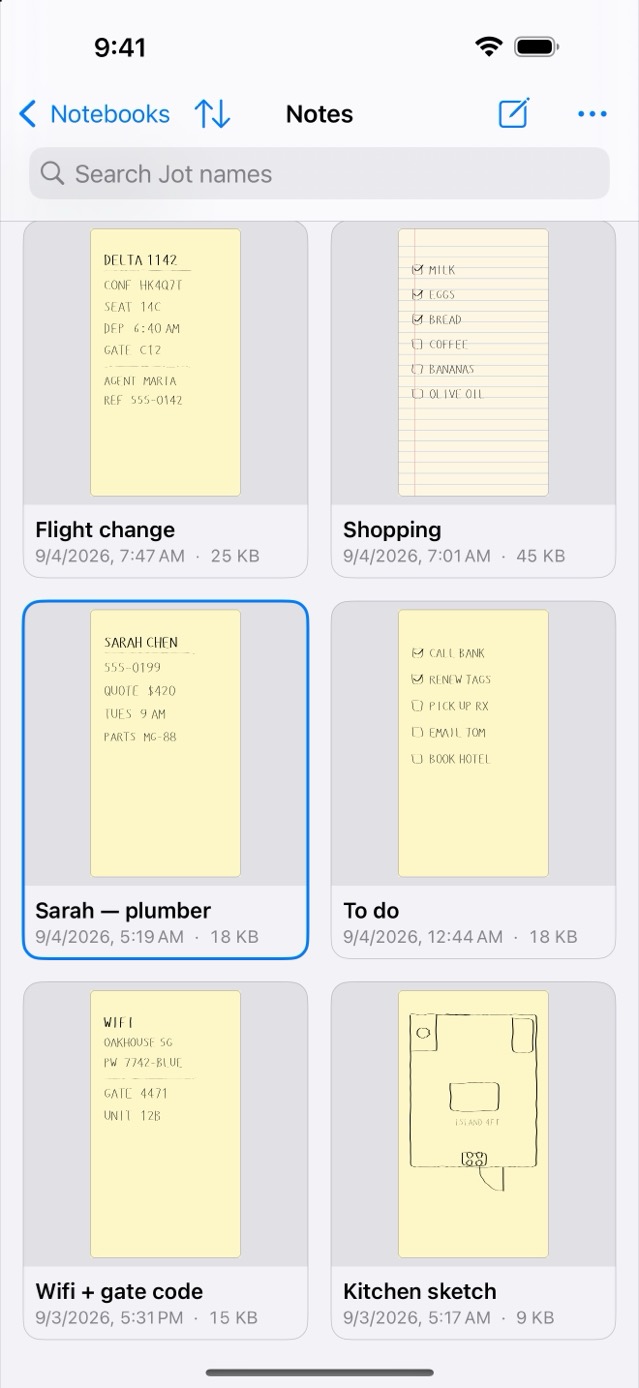
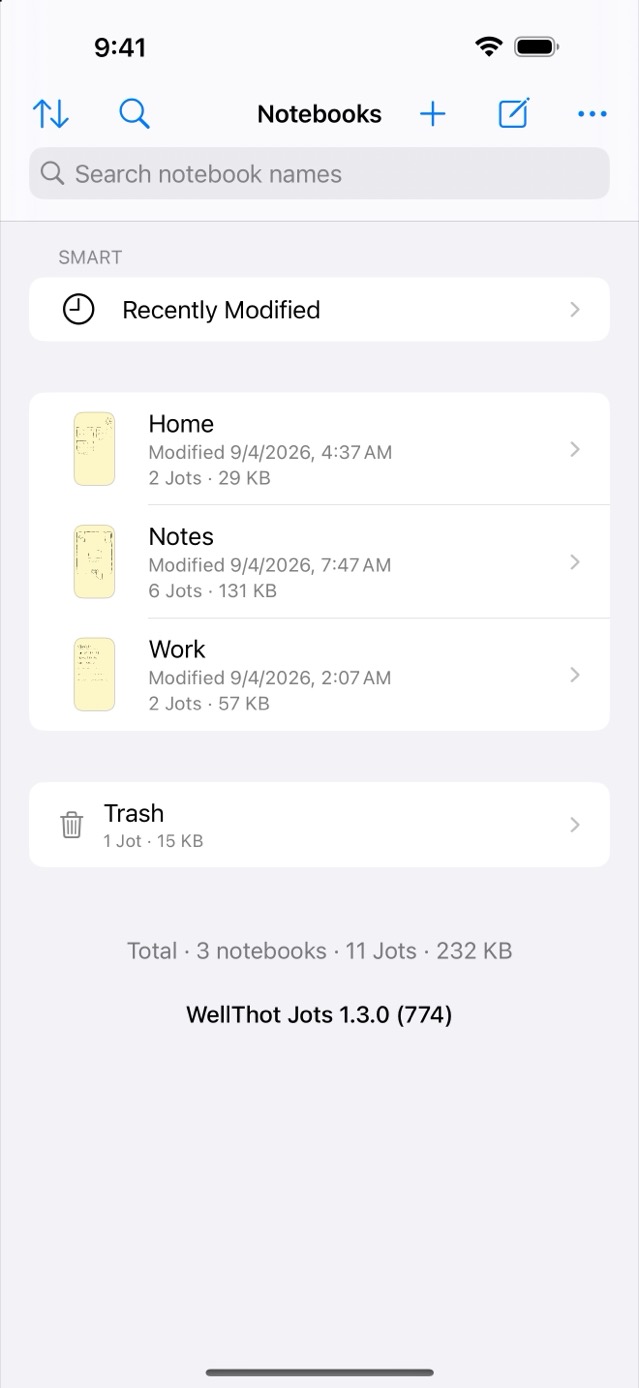
Group Jots into notebooks, sort by name, date created, date modified, or size, switch between icon and list views, and search by name. Each Jot can be portrait or landscape — turn the device and a landscape Jot uses the full height of the screen.
Real pens when you want them
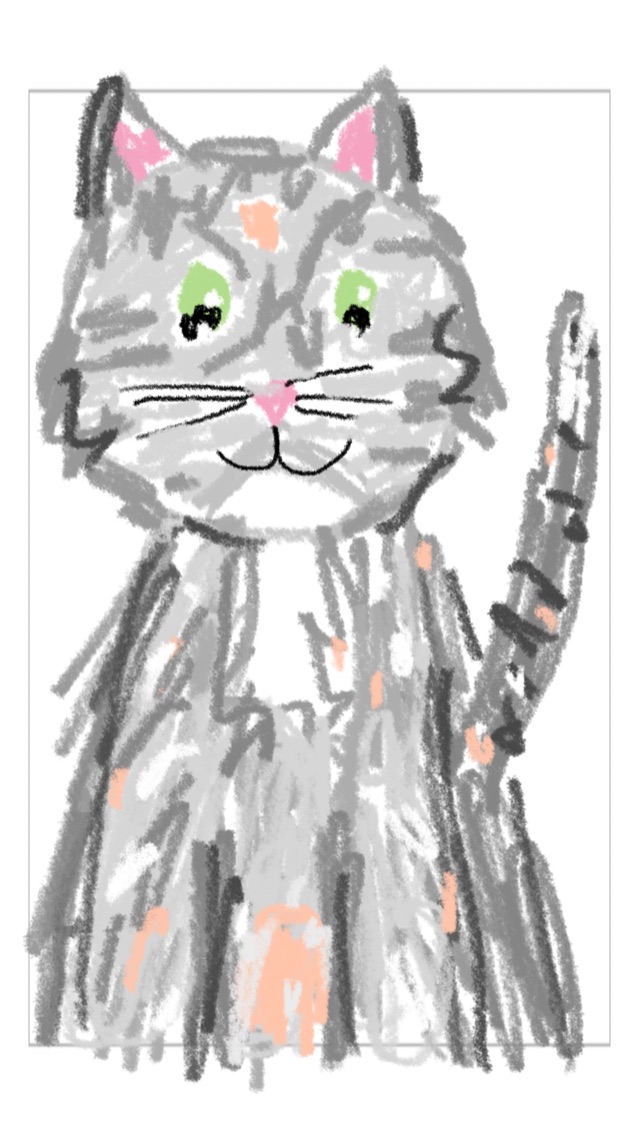
Ballpoint, fountain, calligraphy, pencil, and highlighter — plus any color you like, how opaque it is, sizes, an eraser that lifts whole strokes, and a lasso. Set the ink you start with for a Jot, a notebook, or the whole app. Sketch a floor plan or a map for the babysitter. Finger or Apple Pencil. The tool palette tucks in beside the page where there’s room, and you can drag it wherever suits you.
Draw right in Messages
The Jots app in iMessage lets you sketch on a small canvas without leaving a conversation, then send it as an image — no Jots required to view it. Free, no purchase needed.
Bring your own paper
Send a PDF or scan to Jots from any app, or pick one from inside Jots, and it becomes a Jot or a whole notebook you can write and sketch on — a form, a form letter, anything on paper.
Private iCloud sync
Your notes sync across your devices through your own private iCloud. They never touch our servers — because we don't have any.
Send it to anyone
Share a Jot as an image, or a whole notebook as a PDF — every Jot named and dated, readable by anyone. Send it as a Jots file instead and it arrives as a real, editable notebook.
Backup & Trash
Export everything to a single file you keep, and restore it anytime. Deleted Jots wait in the Trash until you restore them — or remove them for good.
No sign-up, no tracking
No ads, no analytics, nothing to manage. Your notes stay on your device; iCloud sync is optional.
Free and Pro
Jots is free to download, and the free app is complete for a single notebook: unlimited Jots, every writing and drawing tool, the Messages app, private iCloud sync, backup and share, and the Trash.
Jots Pro — a one-time purchase, no subscription, with Family Sharing — adds unlimited notebooks, tags, smart notebooks such as Recently Modified, custom paper and forms (per Jot, as a notebook's default paper, or app-wide), search across all your notebooks, and read-only Jot locks — including Auto‑Lock, which locks a finished Jot automatically when you leave it.
| Jots | Jots Pro | |
|---|---|---|
| Notebooks | One | Unlimited |
| Jots & drawing tools | Unlimited | Unlimited |
| Draw in Messages | ✓ | ✓ |
| Private iCloud sync | ✓ | ✓ |
| Backup, restore & share | ✓ | ✓ |
| Trash recovery | ✓ | ✓ |
| Tags & smart notebooks | — | ✓ |
| Paper, forms & notebook defaults | — | ✓ |
| Search across all notebooks | — | ✓ |
| Jot locks & Auto‑Lock | — | ✓ |
| Price | Free | One-time purchase |
Family Sharing included. No subscription, ever.
Requirements
iPhone and iPad, iOS 18 or later. Free to download.
Help & privacy
Need a hand? See Support. Curious how your data is handled? Read the Privacy Policy — the short version is: we collect nothing.